
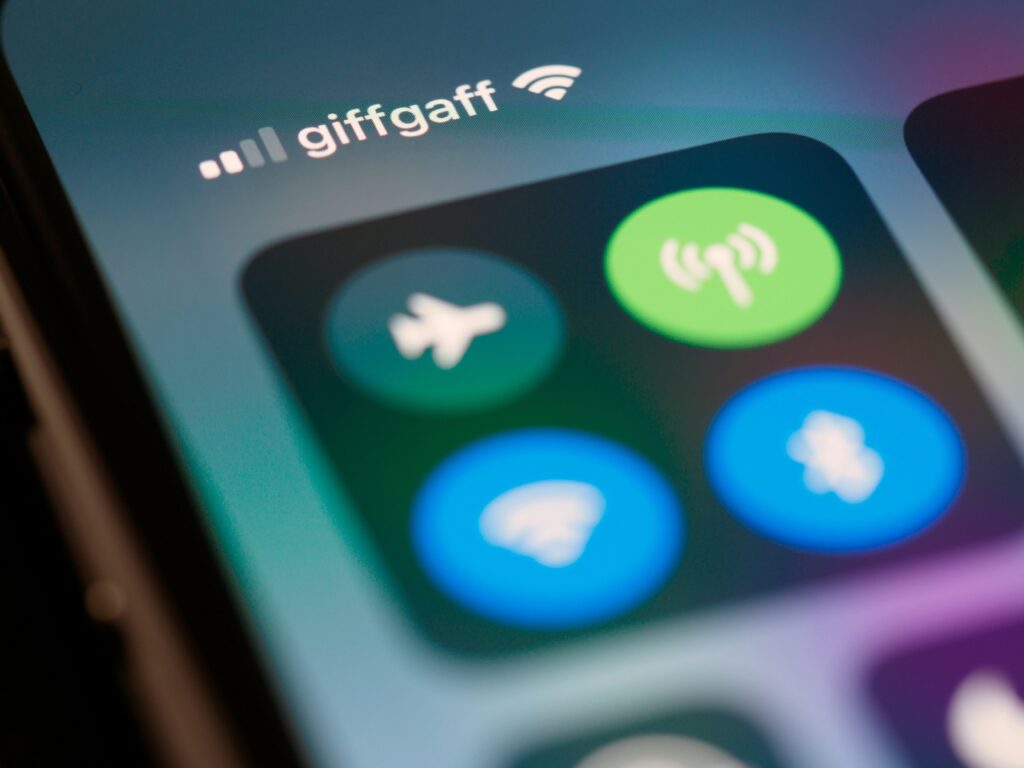
If your Android phone keeps disconnecting from WiFi, you’re not alone.
This is a common issue that can happen even when your internet connection works fine on other devices.
The good news?
In most cases, the problem is caused by settings, software conflicts, or power-saving features, not hardware damage.
Below are safe, user-level fixes you can try without opening your phone or installing risky apps.
1. Restart Your Phone and Router
This may sound simple, but it fixes more WiFi issues than you think.
- Restart your Android phone
- Unplug your WiFi router for 30 seconds
- Plug it back in and wait until it fully reconnects
Temporary network glitches often disappear after a fresh restart.
2. Forget and Reconnect to the WiFi Network
Saved WiFi profiles can sometimes become corrupted.
- Go to Settings → WiFi
- Tap your connected network
- Select Forget
- Reconnect and enter the password again
This creates a clean connection profile.
3. Disable Battery Optimization for WiFi
Android’s battery-saving features may cut your WiFi connection in the background.
- Open Settings → Battery
- Go to Battery Optimization
- Find WiFi, Android System, or System UI
- Set them to Not optimized
This prevents Android from disabling WiFi to save power.
4. Turn Off Adaptive WiFi or Smart Network Switching
Some Android phones automatically switch between WiFi and mobile data.
Look for these options in Settings → WiFi → Advanced:
- Smart Network Switch
- Adaptive WiFi
- Auto Switch to Mobile Data
Disable them and test your connection again.
5. Reset Network Settings
If the issue continues, resetting network settings can help.
⚠️ This will remove saved WiFi passwords and Bluetooth devices.
- Go to Settings → System → Reset options
- Tap Reset network settings
- Confirm and restart your phone
This does not erase personal data.
6. Check for Software Updates
WiFi bugs are often fixed through system updates.
- Go to Settings → Software Update
- Install any available updates
- Restart your phone after updating
According to Google’s official Android support documentation, network settings can affect WiFi stability.
When Is It a Hardware Issue?
If your Android phone disconnects from every WiFi network, even after a full reset, there may be a hardware-related problem.
However, in most cases, the fixes above solve the issue without any physical repair.
Final Thoughts
An Android phone that keeps disconnecting from WiFi is usually affected by software settings—not broken hardware.
Try each fix step by step, and test your connection after every change.
If you found this guide helpful, feel free to bookmark it for future reference.
If you’re also experiencing slow internet issues, you may want to check our guide on fixing WiFi connection problems.
We will also cover related WiFi issues on Windows and iPhone devices in upcoming guides.