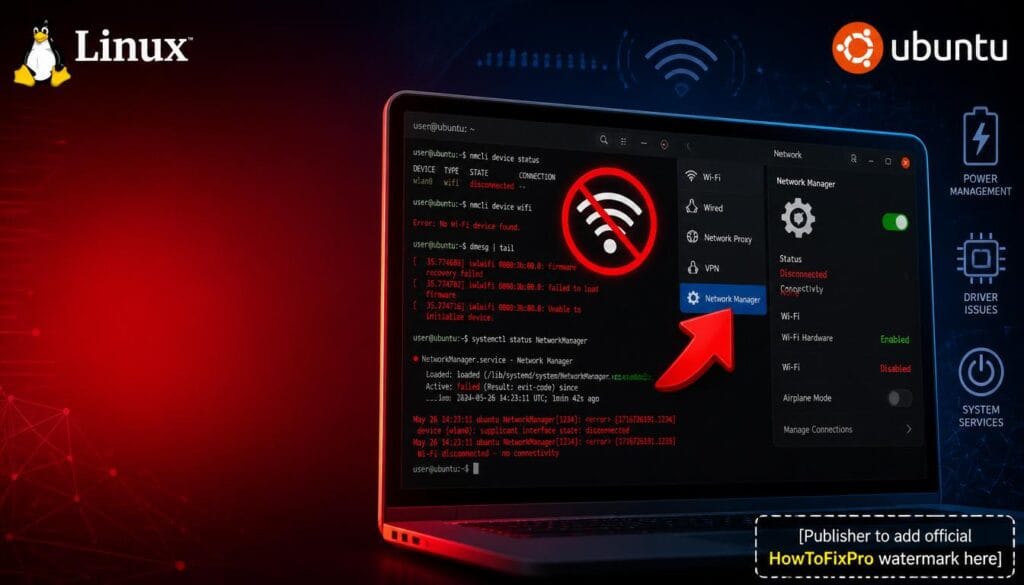
Linux Wi-Fi Disconnecting After Suspend: Proven Fix (2026)
Linux Wi-Fi Disconnecting After Suspend: Proven Fix (2026) Table of Contents 1. Root Cause 2. Restart Network Manager Service 3.
Troubleshooting manuals, tips, and fix guides for major desktop and mobile operating systems.
Linux Wi-Fi Disconnecting After Suspend: Proven Fix (2026) Table of Contents 1. Root Cause 2. Restart Network Manager Service 3.
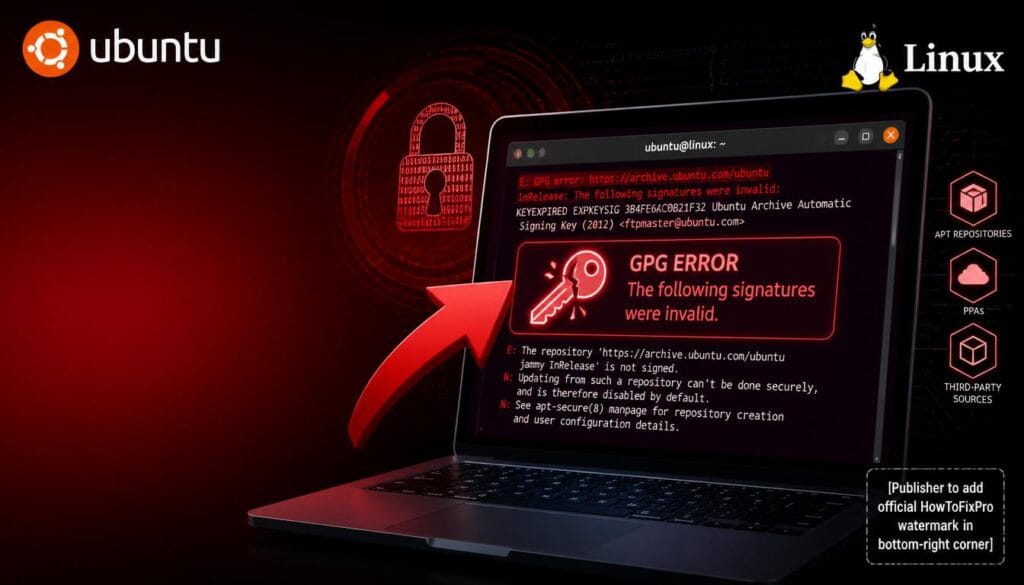
Ubuntu GPG Invalid Signatures: Proven Fix (2026) Table of Contents 1. Root Cause 2. Update GPG Keys Manually 3. Refresh
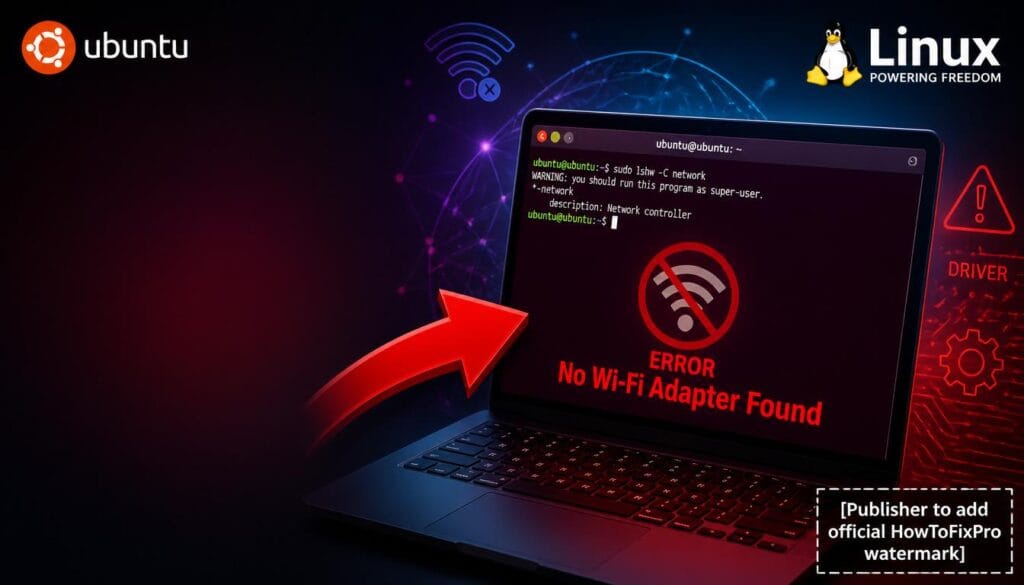
Ubuntu No Wi-Fi Adapter Found: Proven Fix (2026) Table of Contents 1. Root Cause 2. Check Physical Wi-Fi Switch 3.
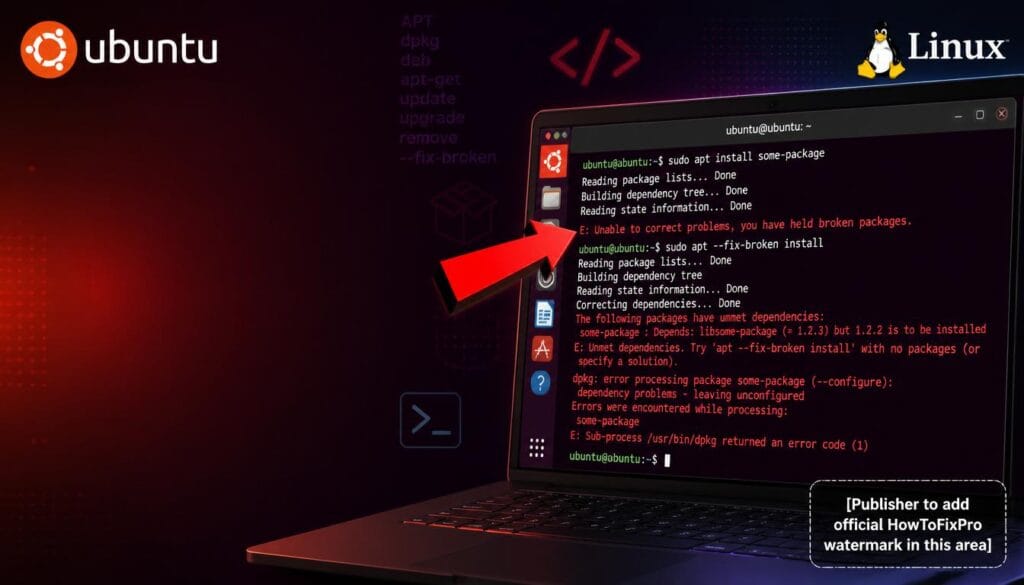
Ubuntu Apt-Get Install Broken Packages: Proven Fix (2026) Table of Contents 1. Root Cause 2. Run dpkg –configure -a 3.
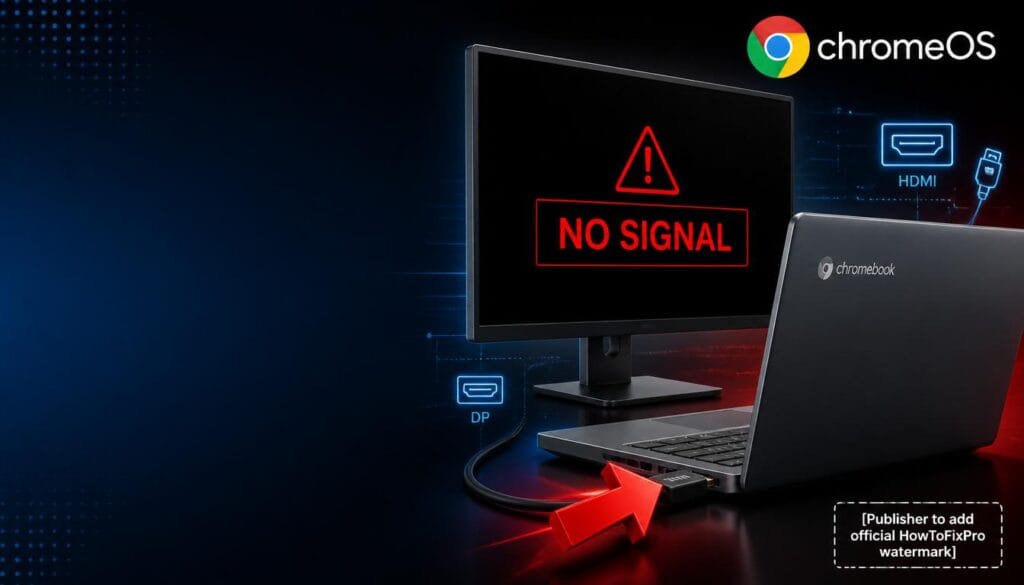
Chromebook HDMI Output No Signal: Proven Fix (2026) Table of Contents 1. Root Cause 2. Check HDMI Cable and Connections
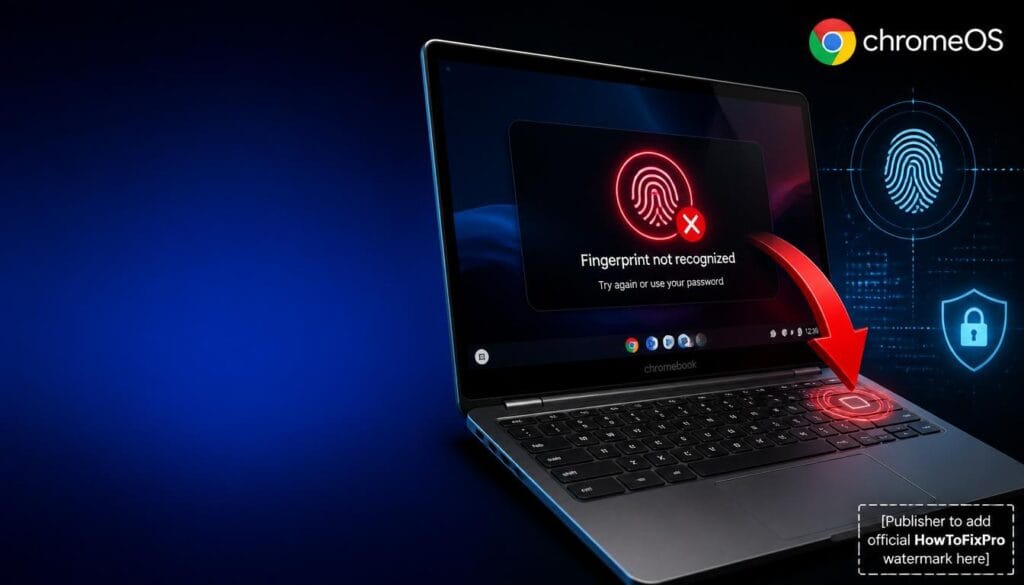
Chromebook Fingerprint Sensor Not Working: Proven Fix (2026) Table of Contents 1. Root Cause 2. Clean the Fingerprint Sensor 3.
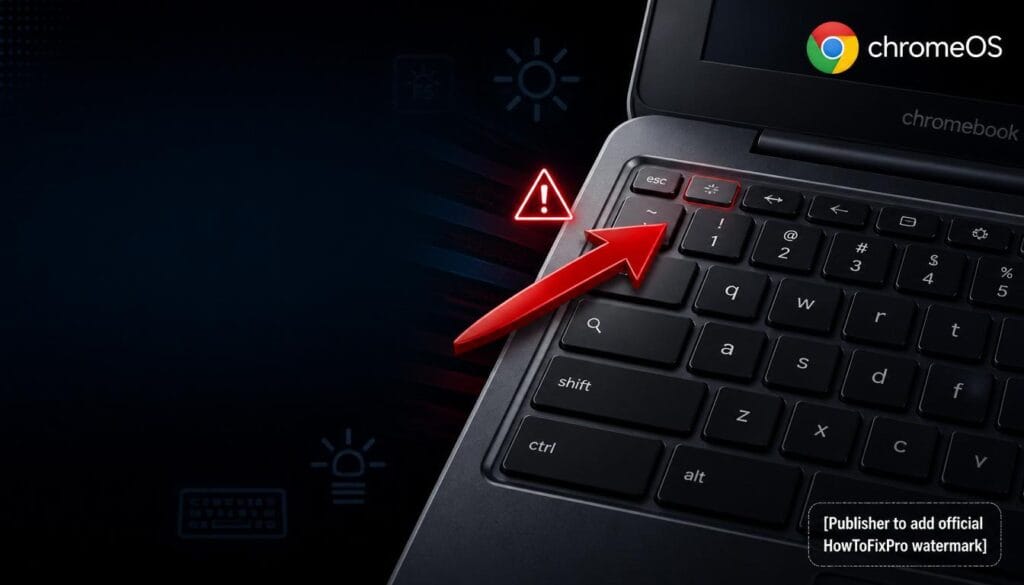
Chromebook Keyboard Backlight Not Working: Proven Fix (2026) Table of Contents 1. Root Cause 2. Use the Correct Keyboard Shortcut
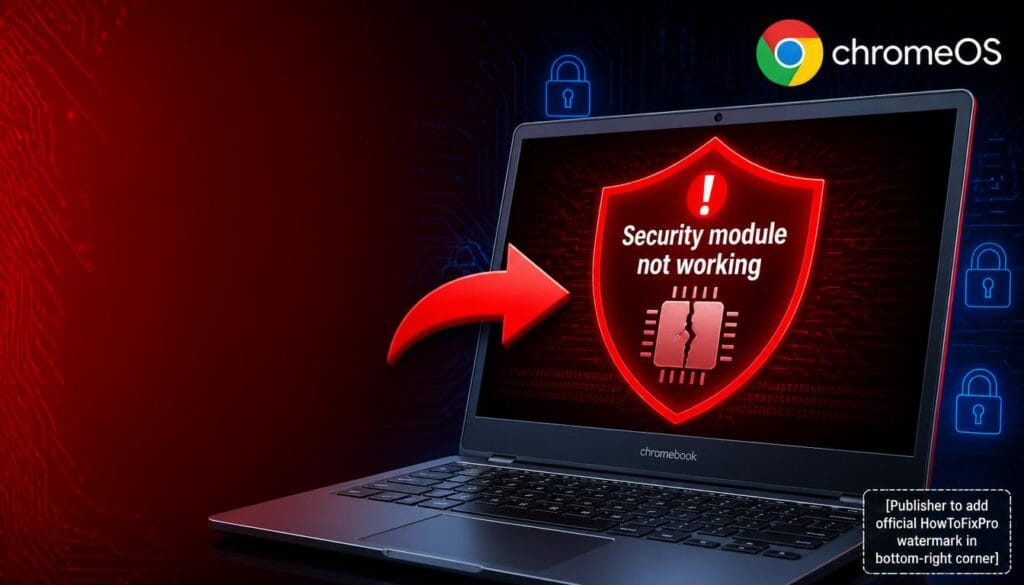
Chromebook Security Chip Not Working: Proven Fix (2026) Table of Contents 1. Root Cause 2. Power Cycle and Leave On
Chromebook Is Not Managed Warning: Proven Fix Guide (2026) Table of Contents 1. Root Cause 2. Verify Device Management Status
Chromebook This App Is Blocked Error: Proven Fix (2026) Table of Contents 1. Root Cause 2. Check User Account Type
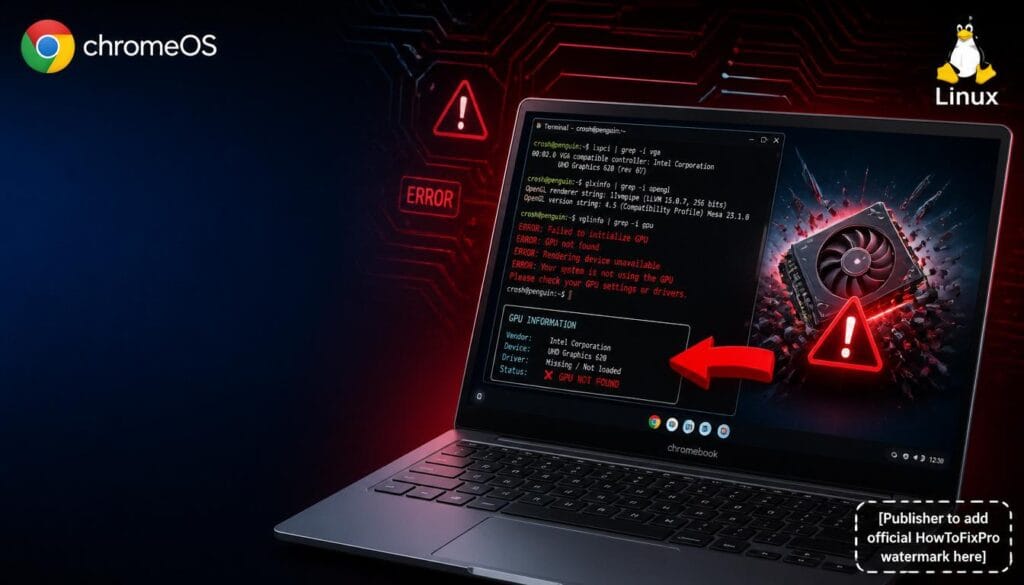
Chromebook Linux GPU Acceleration Not Working: Proven Fix (2026) Table of Contents 1. Root Cause 2. Enable GPU Acceleration in
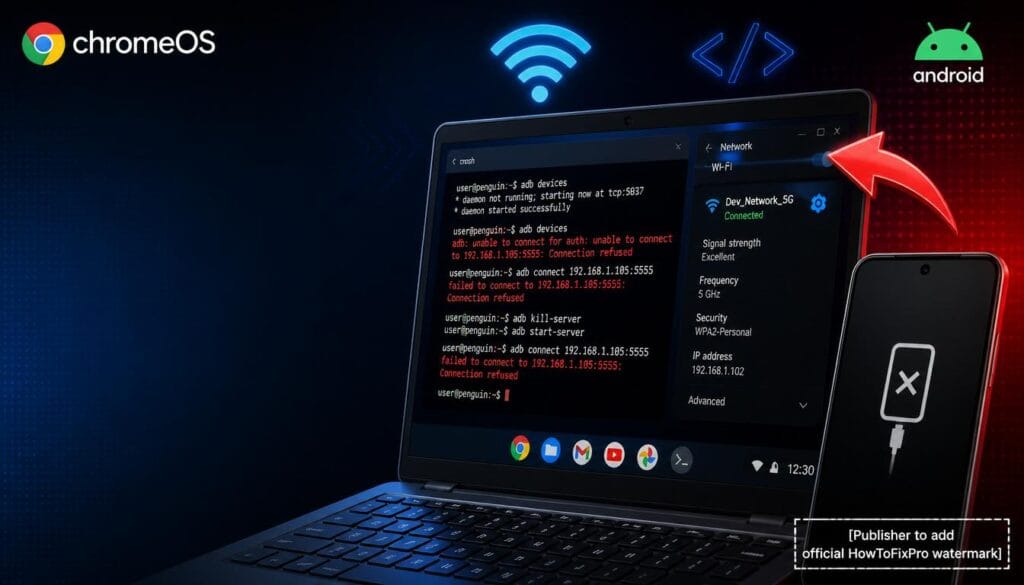
Chromebook ADB Over Wi-Fi Not Working: Proven Fix (2026) Table of Contents 1. Root Cause 2. Enable Developer Options and
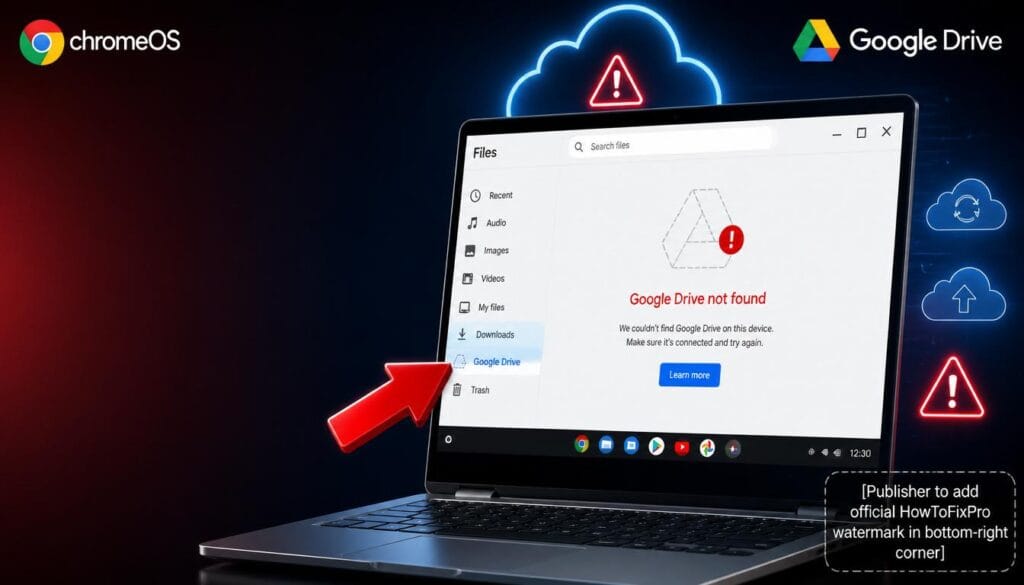
Chromebook File Manager Not Showing Google Drive: Proven Fix (2026) Table of Contents 1. Root Cause 2. Sign Out and
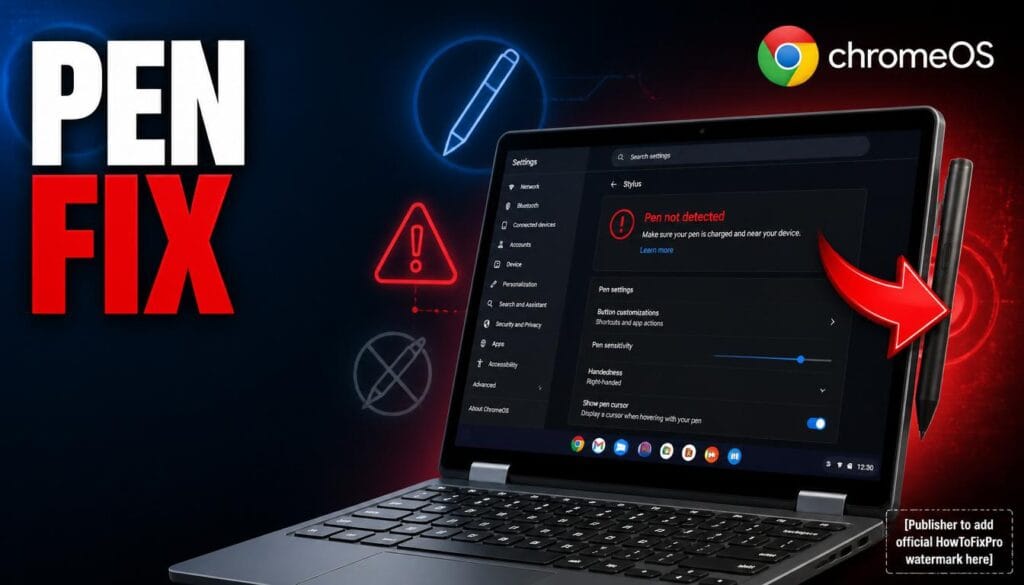
Chromebook Stylus Not Working: Proven Fix Guide (2026) Table of Contents 1. Root Cause 2. Charge the Stylus Properly 3.
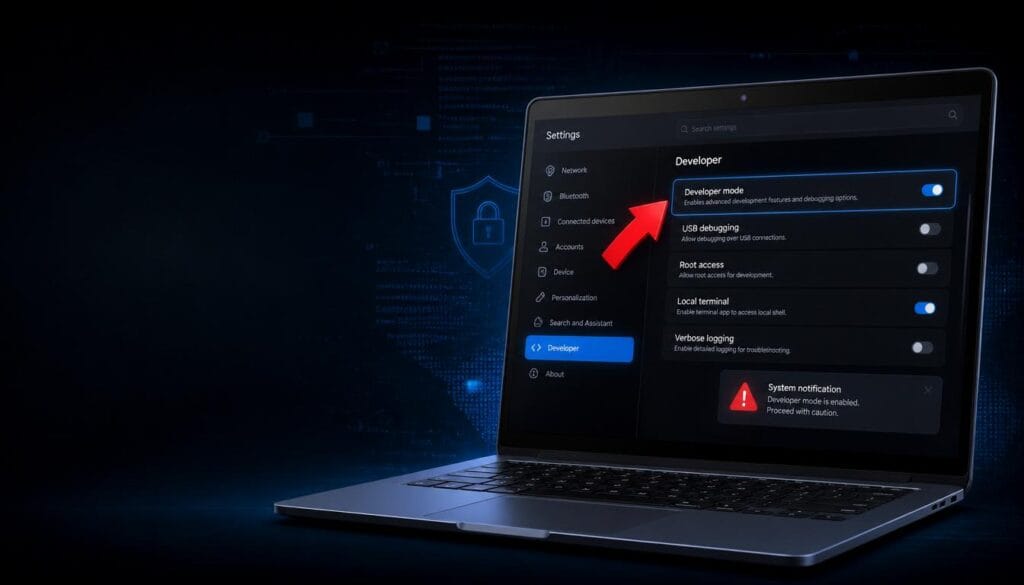
How to Safely Enter and Exit Chromebook Developer Mode Table of Contents 1. What Is Chromebook Developer Mode 2. Backup